


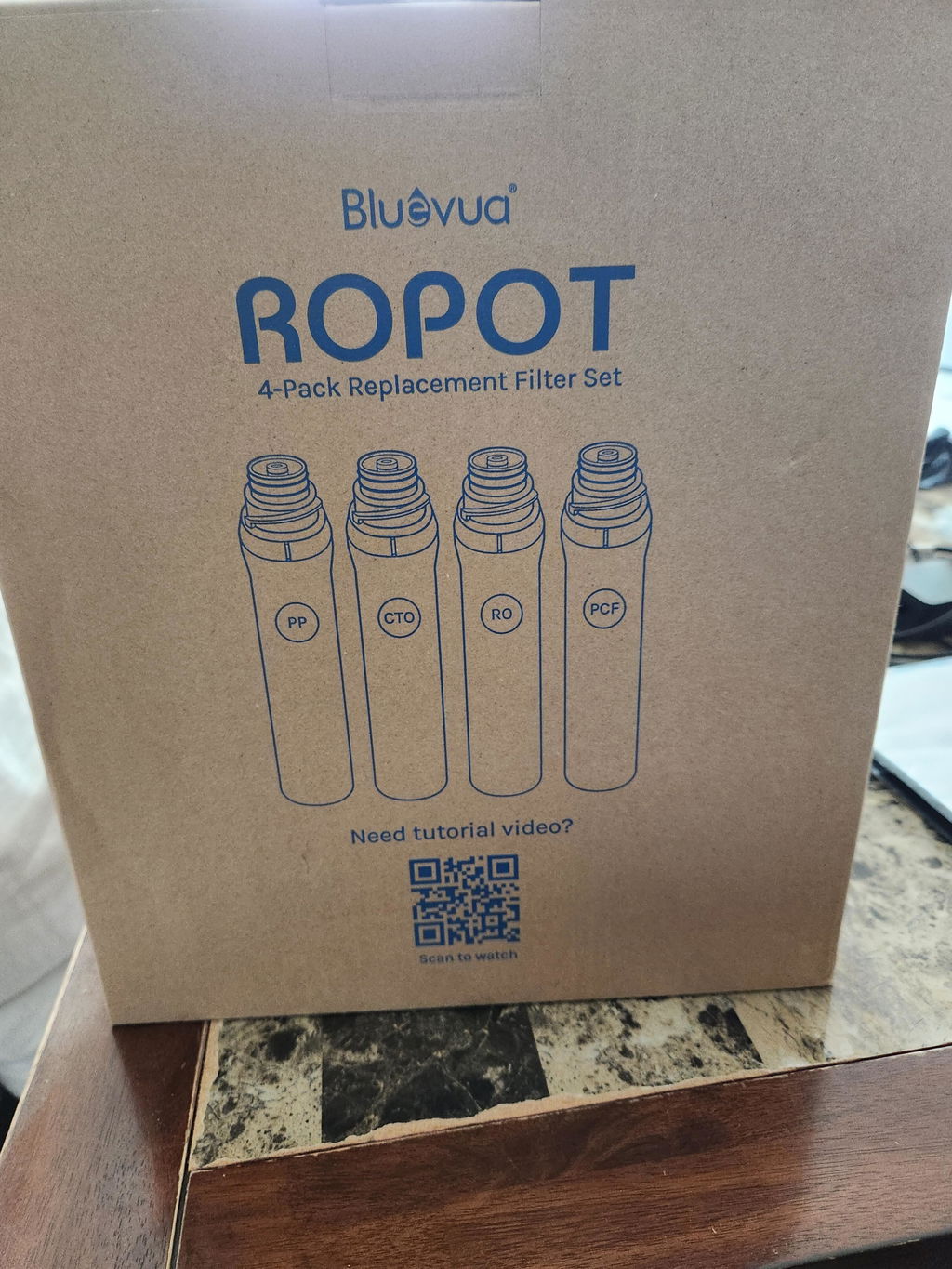
4-Pack Replacement Filter Set for ROPOT and ROPOT(UV)
(72)
Complete filter refresh for your ROPOT or ROPOT(UV). Includes PP, CTO, RO, and PCF filters to replace every core filtration stage in one set. Note: Not compatible with ROPOT-Duo.

Fits ROPOT & ROPOT(UV)
$149.96
$127.47
at Checkout- Free Shipping
- 30-Day Return
- 365-Day Support
Filtered for Your Health
We use precision-engineered membrane pores to filter what many systems leave behind, returning water to its cleanest, most balanced form.
Clean
- Stage 1
 Polypropylene (PP)5μm
- Stage 2
 Coconut Shell Carbon (CTO)0.5μm


Purify
- Stage 3
 RO Membrane0.0001μm

Enhance
- Stage 4
 Post Carbon (PCF)0.1μm

Easy Steps to Replace Filters for ROPOT, ROPOT(UV)

Safety first: Please turn off the power, unplug the unit, empty the tank before replacement.
Safety first: Please turn off the power, unplug the unit, empty the tank before replacement.

Step 1
Gently remove the side cover.

Step 2
Tilt the old filter to a 45-degree angle and twist it clockwise to remove.

Step 3
Insert your new filters from left to right in this order: PP, CTO, RO, PCF.

Step 4
Line up the 2 triangle markers on each filter before installing.

Step 5
Push each filter in gently, then twist counter-clockwise until you feel it lock into place.

Step 6
Plug the unit back in and turn the power on.

Step 7
Tilt the No. 4 PCF filter up to 45 degrees to access the reset toggle switch.

Step 8
Press and hold the switch for 3 seconds to enter filter selection mode.

Step 9
Press the curved button to cycle through your filters, then press again to reset the one you just replaced.

Step 10
Wait for the flashing light to stop. That means the reset is complete. Repeat this for any other filters you swapped out.

Flush your new filters by running 3 full cycles before you drink the water. This clears out any manufacturing residue so you get the cleanest water possible.
Flush your new filters by running 3 full cycles before you drink the water. This clears out any manufacturing residue so you get the cleanest water possible.
Official Filters & Accessories
Designed specifically for your ROPOT to keep it performing at its best
Save $20.70

Save $30.72

Save $5.10


Save $20.70
Save $30.72
Save $5.10
FAQs
Still have questions? We've got answers
The Bluevua 4-Pack Replacement Filter Set includes one of each of the four core filters for ROPOT and ROPOT(UV): PP, CTO, RO, and PCF. Choose the 4-Pack Replacement Filter Set when your RO filter also needs replacing. If you only need to replace the PP, CTO, and PCF filters, the 1-Year Replacement Filter Set includes all three.
Unplug your Bluevua ROPOT or ROPOT(UV), empty the water tank, and remove the side cover. Tilt each old filter to a 45-degree angle, twist it to remove it, and install the new filters from left to right in this order: PP, CTO, RO, and PCF. Align the triangle markers and twist each filter until it locks into place. Plug the unit back in and use the toggle switch behind the PCF filter to reset the filter life indicator for each replaced filter. Finally, run 3 full filtration cycles and discard the water from each cycle. Do not drink the water produced during these cycles.
No, you only need to replace the filters indicated as expired on your Bluevua ROPOT or ROPOT(UV) display. Each filter has its own filter life indicator. The PP, CTO, and PCF filters typically need replacing around the same time, while the RO filter can last up to 24 months. Choose the 4-Pack Replacement Filter Set when all four filters need replacing. If only the RO filter is due, you can purchase the RO Filter for ROPOT and ROPOT(UV) separately.
Best water filtration system out there. Easy to use, and at the end of the at day the price is no different than buying a useless refrigerator filter every three months. Never realized how dirty my water was. Wish I had found it sooner!
Love it.
Great
Works great, filters water to the standard.
Complete game changer with our water! No more plastic and ordering is easy!